
Premium customer warranty support
Check Your Product Warranty & Get Support Fast
Instant access to warranty coverage, product support, and issue reporting.
Warranty ID check
Enter your Warranty ID to see your coverage status.
Use the Warranty ID provided after purchase to view your order details, warranty coverage, exclusions, required documents, and next steps.
A simple support flow to get help and assistance from us
Designed to provide a great experience to all of our customers
STEP 01
Enter your product details
Search by Warranty ID, brand, model, serial number, or order number.
STEP 02
Check warranty coverage
Review duration, coverage, exclusions, and required documents.
STEP 03
Submit an issue report
Send your concern with complete product and proof details.
STEP 04
Get assisted by support
Your team receives organized information and can act faster.
Product lookup
Search coverage by brand, model, or order number.
Enter an order number to search directly, or choose brand/product/model to view warranty rules.
Warranty result will appear here
Search by order number to find a customer warranty record, or search by product/model to view warranty rules.
Brands under PVGC warranty


Popular warranty rules
Brand and product coverage cards.
Click View Other Products to browse all warranty policy under that brand.
 36 months
Smart Haven
5 products available
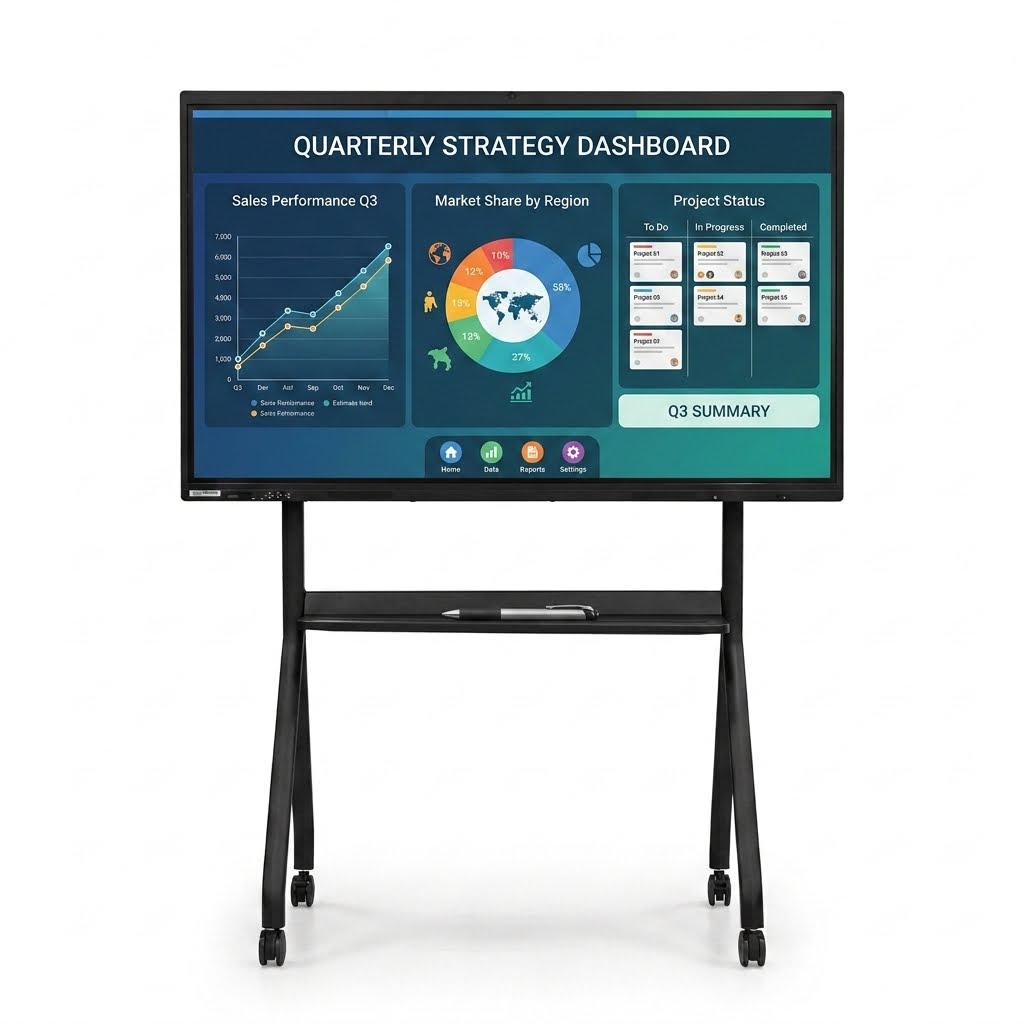
SH VISION BOARD
Model: 65" · Interactive Board
Warranty Coverage The warranty covers factory defects in materials and workmanship under normal and proper usage of the unit. Covered Under Warranty - Factory defects - Hardware malfunction not caused by misuse - Touch/display issues caused by manufacturing defects - Internal component failure under normal operation
 12 months
Vault Master
23 products available
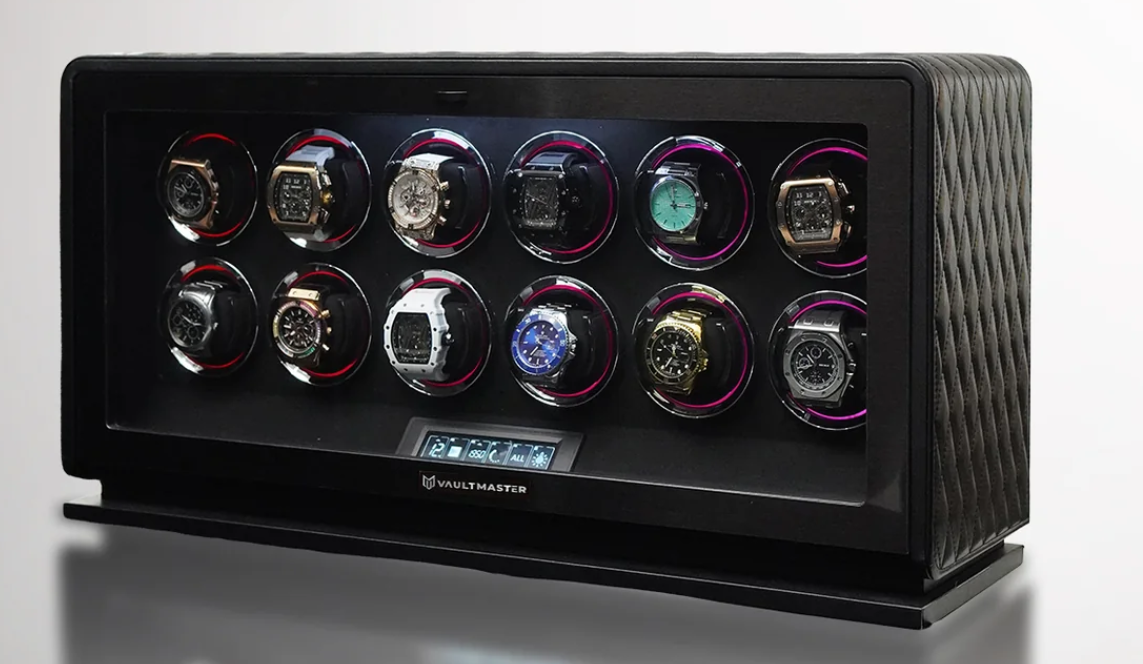
Arthur
Model: Diamond · Watch Vaults
Your product is covered under a 1-Year Limited Warranty against factory defects and manufacturing-related issues under normal and proper usage conditions. - Warranty Coverage Includes: - Malfunctioning motors or rotation systems - Faulty LED lights, touch panels, or control systems - Internal electrical component failure - Structural or assembly defects not caused by misuse - Factory-related operational abnormalities - Power-related malfunction caused by factory defect
Coverage at a glance
What your warranty covers
A quick guide to what's typically included and what falls outside warranty.
Typically covered
- Factory defects in materials and workmanship
- Hardware malfunction under normal use
- Manufacturing display or component faults
- Internal failures not caused by misuse
Not covered
- Accidental, physical, or liquid damage
- Misuse, unauthorized repair or modification
- Normal wear and tear over time
- Missing proof of purchase or order details
Support request
Report a problem with your purchased unit.
You can submit your issue details, contact information, and supporting proof so our team can review your concern more quickly. Our dedicated technical team will also reach out to you directly to provide further assistance and updates as needed.
- Upload photo or video proof
- Track repair or replacement status
- Support team receives organized tickets
FAQ
Common warranty questions.
Answer common concerns before customers contact support.
What documents are needed for warranty claims?
Usually, you need a proof of purchase, product serial number, order number, and photos or videos showing the issue.
What is not covered by warranty?
Warranty normally excludes misuse, accidental damage, unauthorized repair, water damage, wear and tear, and missing proof of purchase.
How long does support take?
Most support requests are reviewed within 1–3 business days depending on product type, brand requirements, and submitted documents.
Can I report a unit problem after warranty expires?
Yes. You can still report a problem, but repair or replacement may be subject to service fees if the product is outside warranty.
Need more help? Email Hr@pvgcecom.com.